



It's easy to mistake a mobile work station for just another souped-up laptop, but that's like comparing a family saloon to a Formula 1 car. They might both have four wheels and an engine, but they are built for entirely different purposes. A mobile work station is a portable powerhouse, engineered from the ground up for professionals who simply can't afford to compromise on performance.
Think of it as a complete, high-performance office that fits in a backpack.
So, What Exactly Is a Mobile Work Station?
Let's clear things up. Your typical high-end laptop is fantastic for emails, web browsing, and even some light photo editing. But a mobile work station operates on a whole different level. It’s built to run incredibly demanding, resource-intensive software for hours on end without breaking a sweat.
The real magic is under the bonnet. The core difference lies in the architecture—it's all about stability, data integrity, and certified compatibility with the specialised software that professionals rely on.
Imagine a CAD designer running complex 3D models on a building site, or a data scientist processing massive datasets in the field. A standard laptop would likely overheat, throttle its performance, or just give up. Mobile work stations are designed specifically for this kind of sustained, heavy lifting, neatly bridging the gap between desktop power and genuine portability.
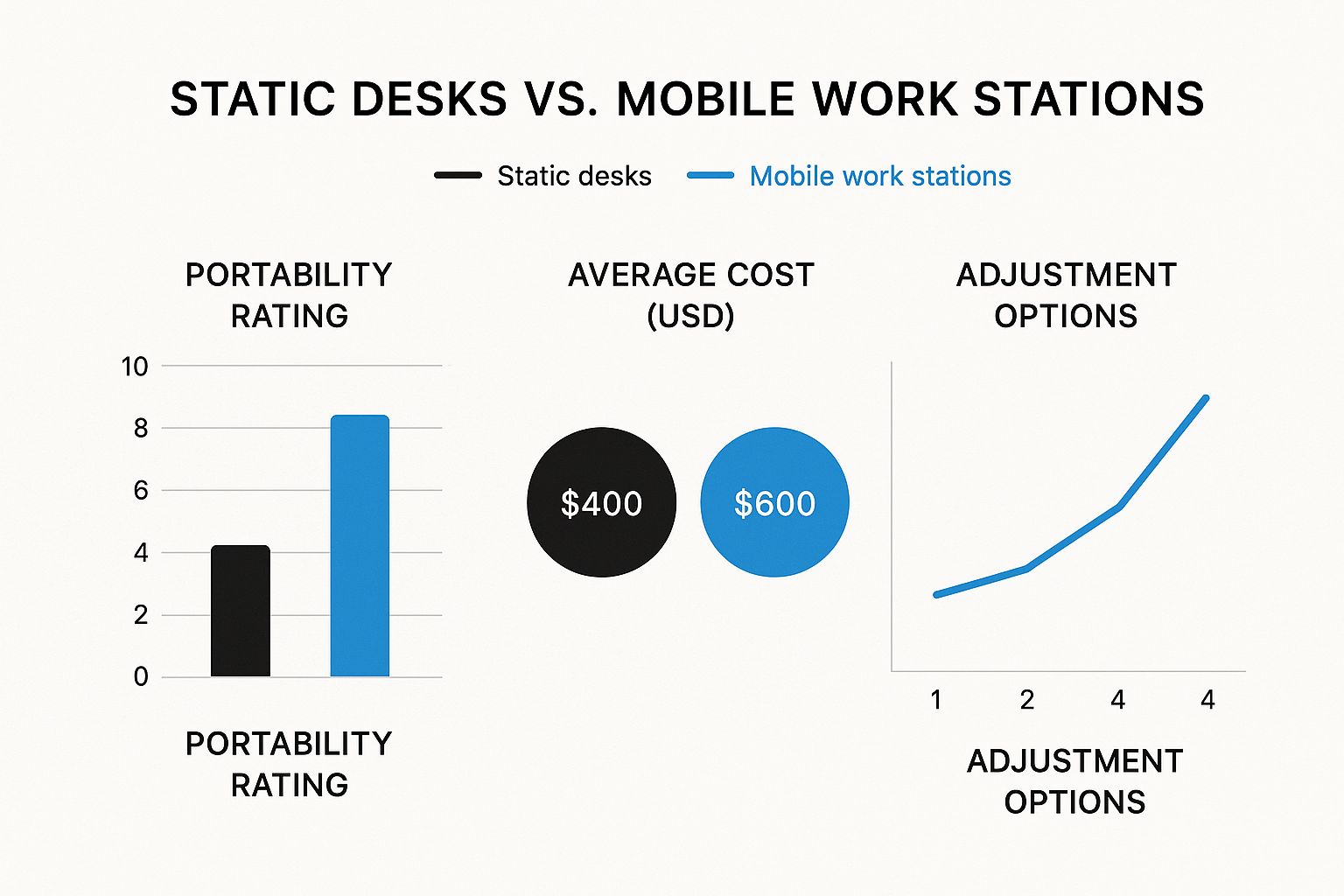
Unpacking the Key Differences
To really understand what sets these machines apart, it helps to compare them directly with the high-end laptops most people are familiar with. The components and design philosophy are fundamentally different.
Mobile Work Station vs High-End Laptop: A Quick Comparison
| Feature | Mobile Work Station | High-End Laptop |
|---|---|---|
| Primary Use | Professional, resource-intensive tasks (e.g., 3D rendering, CAD, data analysis) | General productivity, entertainment, light creative work |
| Processor (CPU) | Intel Xeon or high-end Core i9/AMD Ryzen 9, optimised for sustained loads | High-end consumer CPUs (e.g., Core i7/i9, Ryzen 7/9) |
| Graphics (GPU) | Professional GPUs (NVIDIA RTX Ada, AMD Radeon PRO) with ISV-certified drivers | Consumer gaming GPUs (NVIDIA GeForce RTX, AMD Radeon) |
| Memory (RAM) | Typically 32GB to 128GB ECC (Error-Correcting Code) RAM for stability | Usually 16GB to 32GB non-ECC RAM |
| Storage | High-speed NVMe SSDs, often in RAID configurations for speed and redundancy | Single or dual NVMe SSDs, focused on fast boot/load times |
| Durability & Build | Built to MIL-STD-810H standards, robust chassis, advanced cooling systems | Premium materials (aluminium), but less focused on extreme durability |
| Software Certification | ISV (Independent Software Vendor) certified for professional applications | Not certified; compatibility issues can arise with specialised software |
| Cost | Significantly higher due to specialised, high-grade components | Higher end of the consumer market, but less than a mobile work station |
While a top-tier laptop offers impressive speed for everyday use, a mobile work station provides the certified reliability and raw power needed for mission-critical professional work. It's a calculated investment in performance and stability.
A Growing Professional Necessity
It's no surprise that the shift towards remote and hybrid work has thrown a spotlight on these powerful machines. Professionals need tools that deliver uncompromising performance and security, no matter where they're logging in from. They can't afford to have their productivity tethered to a physical office.
The market data backs this up. The UK mobile work station market is poised for serious growth, with forecasts pointing to a compound annual growth rate (CAGR) of 10.0% between 2025 and 2035. This surge is being driven by the ever-increasing demands of fields like engineering, media production, and scientific research, where portable power is simply non-negotiable. You can explore a deeper dive into these workstation market trends to see how the landscape is evolving.
What's Really Under the Hood? The Components That Count
To truly get what sets a mobile workstation apart, you have to look past the shiny exterior and dive into its core components. This isn't just about spotting bigger numbers on a spec sheet. It's about understanding how specific, professional-grade hardware works in harmony to deliver rock-solid performance for complex, all-day tasks. Your average laptop just isn't built to handle that kind of sustained pressure.
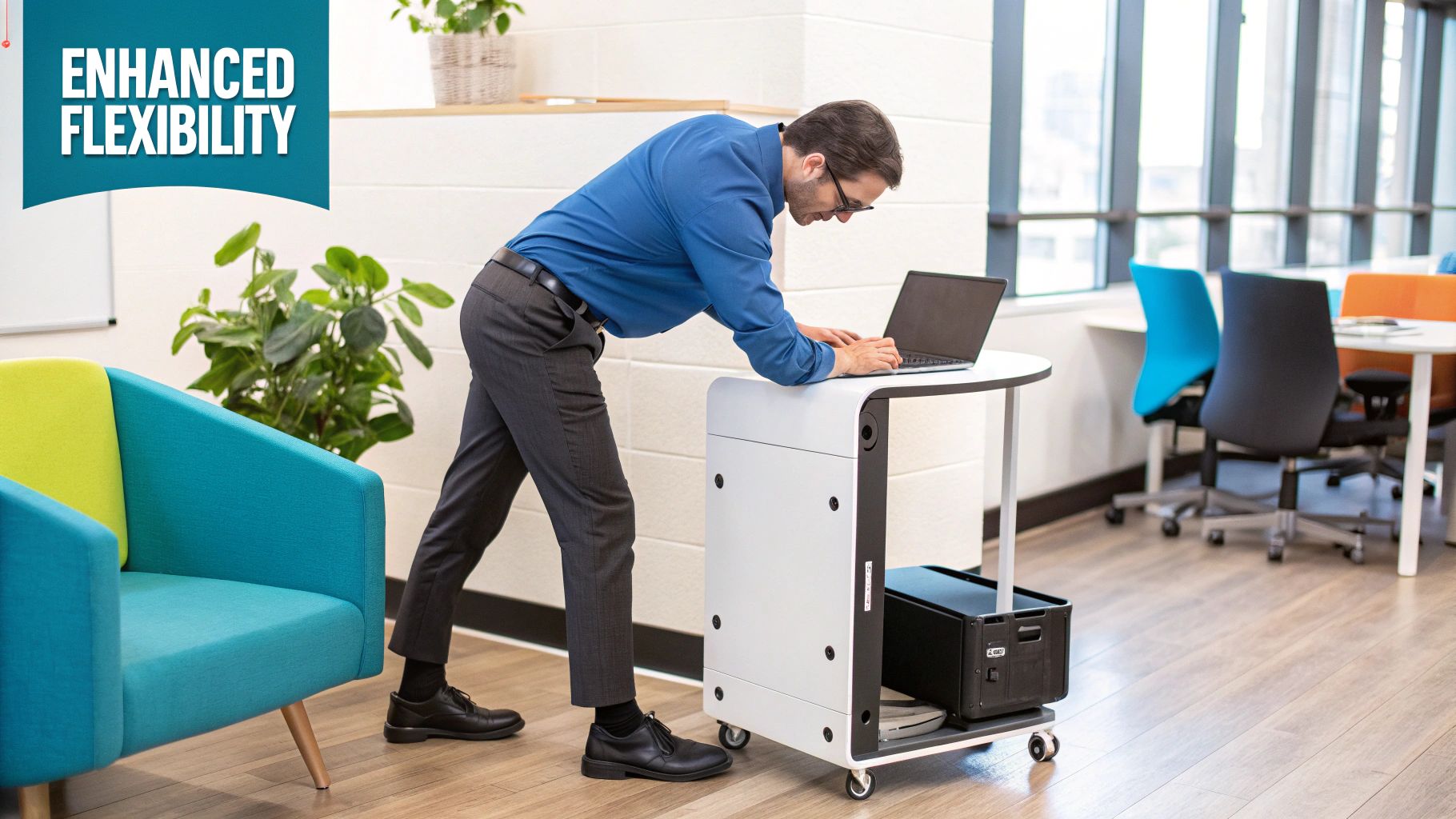
I like to think of it this way: you wouldn't use a sports car to haul a heavy lorry trailer. Both have powerful engines, but only the lorry is built to pull immense loads reliably over long distances without breaking a sweat. The components inside a mobile workstation are chosen for that very same industrial-strength reliability.
The Brains and Brawn: Professional-Grade CPUs and GPUs
At the heart of it all is the Central Processing Unit (CPU), but in a workstation, it's a brain designed for a marathon, not a sprint. These machines often pack server-class processors like the Intel Xeon or the absolute top-tier Core i9 and AMD Ryzen 9 chips. Their real magic isn't just peak speed; it's their ability to maintain high performance under continuous, heavy strain—essential for things like multi-threaded rendering or running complex simulations for hours on end.
Just as critical is the Graphics Processing Unit (GPU). Forget the gaming-focused cards in most high-end laptops. Mobile workstations use professional-grade GPUs like the NVIDIA RTX Ada Generation or AMD Radeon PRO series. These are purpose-built for:
- Precision and Stability: They excel at handling the complex geometry and calculations needed in CAD and 3D modelling.
- Driver Support: They come with specialised drivers that guarantee rock-solid performance with certified professional software. No more surprise glitches.
- Advanced Features: They often have far more video memory (VRAM) to manage enormous, high-resolution files and intricate textures without choking.
This laser focus on professional applications means you get fewer crashes, cleaner visuals, and a much smoother, more predictable workflow when you’re deep in a demanding project.
Keeping Your Data Safe and the System Stable
When your work is mission-critical, even a tiny data error can be a disaster. A single, random bit-flip in system memory could corrupt a massive dataset, ruin a complex engineering design, or crash your system halfway through a 12-hour render. This is where one of the workstation's biggest secret weapons comes into play.
Error-Correcting Code (ECC) RAM is a perfect example. This is special memory that automatically detects and fixes internal data corruption as it happens. You almost never find it outside of servers and workstations, and it provides a vital layer of protection for professionals who simply cannot compromise on data integrity.
Beyond the memory, the entire system is engineered for stability. We're talking about beefy cooling systems with larger heat pipes and more powerful fans. A consumer laptop will slow itself down (a process called throttling) to avoid overheating. In contrast, a mobile workstation’s thermal design ensures it can run at full power for extended periods, preventing performance dips right when you need it most.
The Hidden Guarantee: ISV Certification
Perhaps the most important—and most overlooked—feature is Independent Software Vendor (ISV) certification. Think of this as a promise, a guarantee that the workstation has been put through its paces and certified to run specific professional software applications without a hitch.
So, what does ISV certification actually mean for you?
- Guaranteed Compatibility: Your machine is certified to work perfectly with software like AutoCAD, SolidWorks, CATIA, or the Adobe Creative Suite.
- Optimised Performance: The hardware drivers are fine-tuned to squeeze every last drop of performance out of these specific applications.
- Reliable Support: If you hit a snag, both the software company and the hardware manufacturer will provide support, because your setup is a known, tested, and approved configuration.
This certification is the seal of approval that truly separates a mobile workstation from just a powerful laptop. It's the assurance that your machine isn't just fast, but a reliable, stable tool built specifically for your professional world, taking the guesswork and the risk of costly downtime out of the equation.
Unlock Real-World Productivity and Flexibility
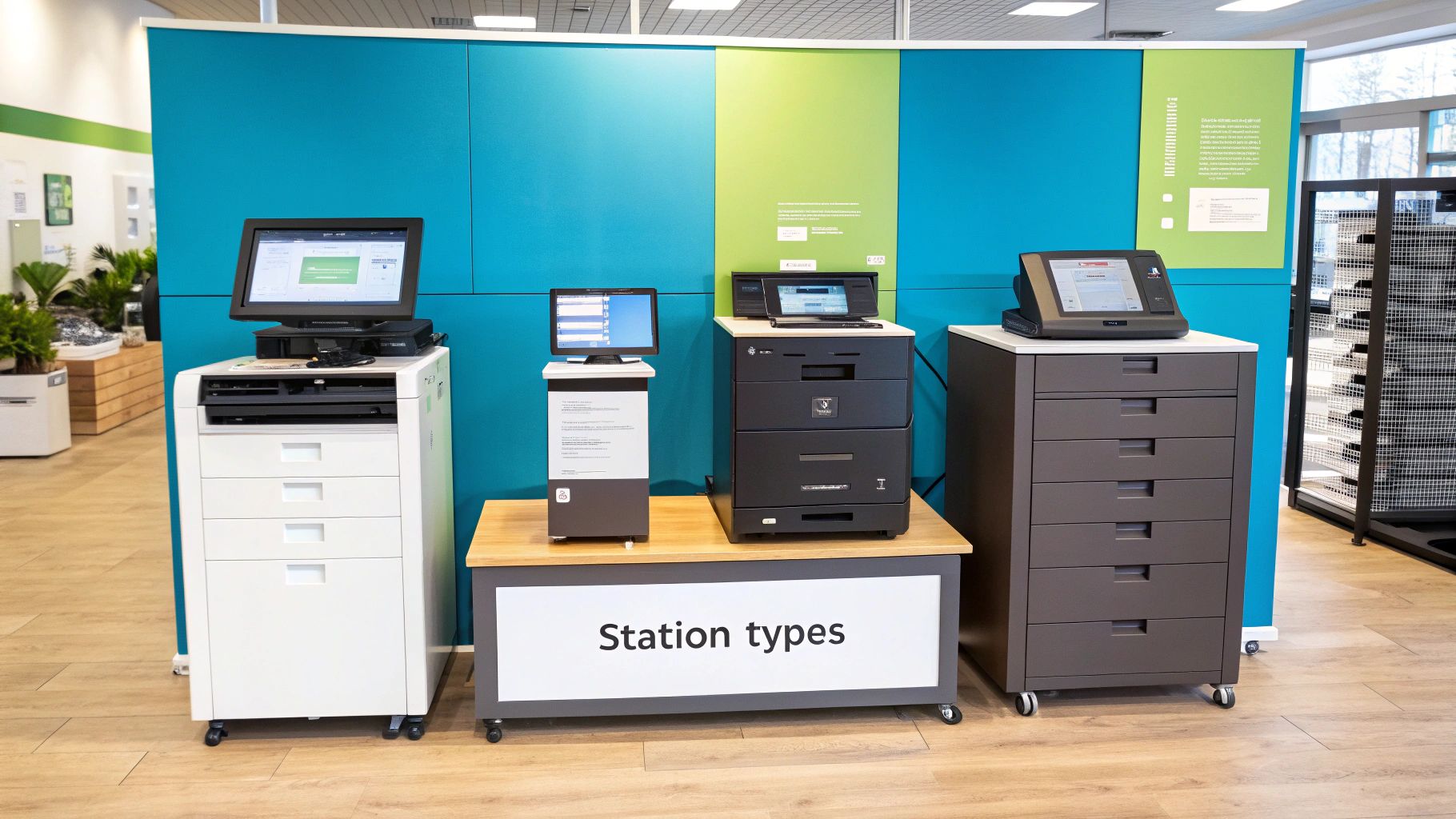
It’s easy to get lost in the specs and hardware, but the real story of a mobile work station is what it does for your day-to-day work. We’re moving beyond components and talking about consequences—how these machines completely change the way you get things done. This isn't just about being portable; it's about freeing your expertise from the confines of a single desk.
This freedom means you can take your most powerful tools right to the heart of the problem. Forget scribbling notes on-site, trekking back to the office, and then starting the actual work. With a mobile work station, the work happens where you are, right when it needs to.
Breaking Creative and Analytical Bottlenecks
Picture an architect on a busy construction site, talking through plans with the foreman. Instead of unrolling a 2D blueprint, she flips open her mobile work station to show a fully rendered, interactive 3D model of the building. She can spin it around, zoom in on a tricky joint, and tweak the design on the spot. This isn't just a gimmick; it prevents expensive mistakes before the concrete is even poured.
This kind of on-the-spot power isn't a futuristic dream. It's how professionals are working today. The ability to handle complex tasks right where they happen cuts out that frustrating loop of collecting data, travelling, and then finally getting down to business at a desk.
By bringing desktop-level power to any location, a mobile work station removes the single biggest bottleneck in many professional workflows—the physical separation between the professional and their most powerful tools. This creates a more fluid, responsive, and ultimately more productive work environment.
Think about a data scientist at a client's office, too. Rather than waiting hours to upload terabytes of sensitive files to a remote server, they can crunch massive datasets right there on their machine. It’s not only faster but also far more secure, as it keeps confidential information from ever leaving the room.
Fostering True Collaboration and Well-being
Great collaboration often boils down to clear, immediate communication. A mobile work station is a fantastic catalyst for this, changing how teams see and interact with complex projects.
- On-the-Spot Problem Solving: Engineers can analyse machinery data right on the factory floor, working with technicians to diagnose issues in real-time.
- Dynamic Client Presentations: A video editor can show a client different cuts of an advert in full 8K resolution during a meeting, actioning feedback without retreating to the studio.
- Enhanced Team Flexibility: Project teams can set up in any meeting room, knowing everyone has the horsepower to contribute, no matter their role.
This flexibility also does wonders for professional well-being. Having the freedom to choose your work environment—be it a client's office, your home, or a quiet corner of a café—can seriously cut down on stress and improve work-life balance. You’re empowered to work where you work best.
For roles where mobility is baked into the job description, pairing these devices with a solid physical setup, like a workbench with wheels, creates a truly adaptable and ergonomic workspace. That blend of digital and physical mobility means productivity never has to take a backseat, wherever you are.
Mobile Work Stations in Action Across UK Industries
You can stare at a spec sheet all day, but the real magic of a mobile work station happens on the factory floor, in a bustling hospital ward, or out on a remote film set. These machines aren't just powerful laptops; they're purpose-built tools solving complex problems in the UK's most demanding sectors.
Let's move past the theory and see how these portable powerhouses are actually being used to boost efficiency, spark innovation, and give businesses a genuine competitive edge.
Driving Efficiency in UK Manufacturing and Engineering
Picture an automotive plant in the Midlands. An engineer spots a tiny flaw in a robotic arm's movement on the assembly line. In the old days, that meant shutting everything down. The engineer would trek back to their office PC, analyse the data, code a fix, and then return to the line to implement it. A process that could easily eat up hours of production time.
Now, that same engineer simply walks over to the machine with a mobile work station. They plug directly into the system, run full-scale diagnostic software, and tweak complex CAD/CAM files right there on the spot. The powerful CPU and professional-grade GPU chew through the calculations in moments.
What was once a half-day of downtime is now fixed in under an hour. This kind of on-the-floor problem-solving is changing the face of UK manufacturing, dramatically improving productivity and slashing the costs of interruption. The benefits are clear:
- Real-Time Adjustments: Engineers can modify intricate 3D models and machine programming at the source, cutting out the time-wasting back-and-forth to an office.
- Reduced Downtime: Faster diagnostics and immediate fixes get production lines back up and running in a fraction of the time, saving companies thousands.
- Improved Accuracy: Working with the actual machinery in front of you virtually eliminates the errors that can creep in when relying on memory or static reports.
Transforming Media and Entertainment Production
Let’s swap the factory for a film set. Imagine a crew shooting a high-end commercial against the stunning backdrop of the Scottish Highlands. The director needs to see the day’s footage now to decide if they've captured the perfect take. With daylight fading and a tight schedule, sending terabytes of 8K raw footage back to a London studio simply isn't an option.
This is where a mobile work station becomes the on-set hero. A video editor can start ingesting and rendering footage right there in the field. Specific features make this possible:
- The colour-accurate display guarantees that what the editor sees is exactly how the final footage will look.
- Blistering-fast NVMe storage handles the huge video files, allowing for smooth playback and rapid transfers.
- A top-tier GPU slashes rendering times, so the director can give feedback almost instantly.
This ability to create a pop-up, high-performance editing suite anywhere is a game-changer for the creative industries. It collapses production timelines and gives creative professionals the freedom to work at the speed of their inspiration, not the limitations of their location.
Advancing Patient Care in Healthcare
The healthcare sector is another arena feeling the positive impact of mobile work stations. In a busy NHS hospital, a radiologist can review and analyse complex medical images, like MRIs or CT scans, directly at the point of care. They can walk onto a ward, consult with surgeons, and show them detailed 3D visualisations of a patient’s anatomy without being chained to a specific viewing room.
This immediate access to high-fidelity diagnostic information helps speed up crucial clinical decisions, which can lead to better patient outcomes. This shift isn't just happening in the UK. Across Europe, sectors like manufacturing and healthcare are leading the charge, making up around 35% of the mobile work station market. The UK’s healthcare sector is a significant driver of this trend, with adoption expected to grow as trusts and hospitals modernise their digital infrastructure. To get a broader perspective, you can explore more about these European mobile computing trends.
How to Choose Your Perfect Mobile Work Station
Stepping into the world of mobile workstations can feel a bit like navigating a minefield. With so many models, technical terms, and customisation options, it's easy to feel lost. This guide is here to give you a straightforward way to choose the right machine, not by pushing products, but by helping you figure out what you genuinely need.
The real secret is to stop chasing the biggest numbers and highest specs. Instead, you need to translate what you do every day into a clear set of hardware priorities. A smart investment is one that lines up perfectly with your professional demands, today and for years to come.
First, Analyse Your Workflow
Before you even glance at a single model, take a hard look at your work. The most critical question to ask yourself is this: what software will I be running 90% of the time? Your answer will instantly shine a spotlight on the components that truly matter for you.
Think about whether your main tasks are CPU-bound or GPU-bound. Getting this right is the foundation of making a good decision.
- CPU-Bound Tasks: These are jobs that put a heavy load on the main processor. We’re talking about compiling software, running complex mathematical simulations, or wrestling with enormous spreadsheets. If this is your day-to-day, a CPU with a high core and thread count should be your top priority.
- GPU-Bound Tasks: These tasks lean heavily on the graphics card. This includes things like 3D modelling and rendering, editing high-resolution video, and training AI models. If you live in this world, a top-tier professional GPU isn’t a luxury; it’s a necessity.
Understanding this balance is everything. A 3D artist, for example, will see huge performance gains from an NVIDIA RTX Ada GPU for real-time rendering. On the other hand, a software developer might get far more value from a high-core Intel Xeon CPU for quicker build times. The most common mistake people make is mismatching their workflow to the hardware.
Core Component Priorities Based on Your Profession
Let's ground this with a few real-world examples. Often, your job title alone is a great starting point for figuring out your main hardware needs.
Component Decision Guide
| Professional Role | Top Priority | Secondary Priority | Why It Matters |
|---|---|---|---|
| 3D Artist / Animator | Professional GPU | High RAM (32GB+) | For smooth viewport performance and fast rendering of complex scenes and textures. |
| Software Engineer | High Core-Count CPU | Fast SSD Storage | To slash code compilation times and handle multiple virtual machines or containers with ease. |
| Data Scientist | High RAM (64GB+) | Powerful CPU | To load and work with massive datasets directly in memory without hitting a performance wall. |
| Video Editor | Fast Storage (NVMe) | Professional GPU | For scrubbing through 4K/8K timelines smoothly and drastically cutting down export times. |
| Architect / CAD User | Professional GPU | Colour-Accurate Display | For precise manipulation of complex 2D and 3D models without lag or driver headaches. |
Look Beyond the Core Specs
While the CPU, GPU, and RAM get all the attention, several other factors are just as important for a good long-term experience with a mobile workstation. Don't let these details slip through the cracks.
Port Selection: Take a moment to check that the machine has all the ports you use daily. Do you depend on Thunderbolt for high-speed data transfers, or do you need a handful of USB-A ports for older gear? Having to live with a bag full of dongles is a real drag on productivity.
Upgradeability: Can you add more RAM or storage down the line? A machine that lets you make future upgrades can seriously extend its useful life, giving you much better value in the long run.
Warranty and Support: Remember, these aren't your typical consumer laptops. Professional-grade support, with experts who understand your specific software and can offer on-site service, can be an absolute lifesaver, preventing costly downtime.
For professionals who are genuinely on the move, integrating your tech with a solid physical setup is the final piece of the puzzle. Pairing your machine with durable solutions, like customisable van racking metal storage systems, can create an incredibly efficient mobile office. This ensures that your digital and physical tools are organised, secure, and ready for action, no matter where the job takes you. Choosing a mobile workstation is really about building a complete, productive ecosystem.
Setup and Maintenance for Peak Performance
Unboxing your new mobile workstation is just the start of the journey. To get the most from this serious piece of kit, you need a smart setup process and a consistent maintenance routine. It’s what will keep your machine running at its absolute best for years to come, protecting you from frustrating slowdowns and unexpected hiccups.
Think of it like tuning a performance car before a race. Your initial setup gets the machine calibrated for the specific work you do, and regular maintenance keeps it humming along beautifully. This is more than just basic computer care; it's about optimising a specialised tool for power and a long working life.
Your Initial Setup Checklist
Getting started on the right foot lays the groundwork for lasting performance. Don’t just switch it on and hope for the best. Taking the time to properly configure your workstation for your specific professional needs will save you a world of headaches down the line.
Here are the essential first steps:
- Install Professional Drivers: This is crucial. Head straight to the manufacturer's website, like NVIDIA or AMD, and download the latest professional-grade drivers for your graphics card. These are not the same as gaming drivers; they are built specifically for stability and top performance in software like AutoCAD and SolidWorks.
- Calibrate Your Display: If you do any kind of colour-sensitive work in design, photography, or video, this is non-negotiable. Use a hardware calibration tool to make sure what you see on screen is accurate. This simple step can prevent very expensive mistakes later on.
- Configure Power Management: Dive into your power settings. Create a custom plan that gives you maximum power when plugged in, but conserves the battery when you’re out and about. This way, you get performance exactly when you need it and endurance when you don’t.
A mobile workstation is a precision instrument. Taking the time for a proper initial setup ensures that every component, from the GPU to the display, is perfectly aligned with your professional workflow from day one.
A solid initial setup also means establishing a secure connection. Thankfully, the UK’s digital infrastructure is more than up to the task. With around 88.4 million cellular mobile connections as of early 2025, professionals have a reliable backbone for mobile productivity. Given that 99.4% of these are broadband-enabled, you can count on dependable access for updates and cloud work. You can read more about the UK's advanced digital environment on Datareportal.com.
Ongoing Maintenance for Longevity
Once you're up and running, a little regular upkeep is the key to keeping your mobile powerhouse in prime condition. This involves both physical and digital care.
On the physical side, make it a habit to check and clean the cooling vents with compressed air. This stops dust from building up, which can cause overheating and throttle your machine's performance.
If you’re working in a busy industrial setting, keeping your whole area organised is another form of maintenance. Using things like heavy-duty racks for storage can help keep your entire workspace—both physical and digital—safe, tidy, and efficient.
Frequently Asked Questions
It’s completely normal to have a few questions when you’re looking into high-performance computing. A mobile workstation is a serious bit of kit and a significant investment, so you want to be sure you're picking the right tool for your professional work. Let's tackle some of the most common queries we get.
Can I Use a Mobile Workstation for Gaming?
The short answer is yes, you can. With a powerful professional GPU and a top-tier CPU under the bonnet, a mobile workstation has more than enough muscle to run the latest games on high settings.
But here’s the catch: it’s not what they’re built for. The real difference comes down to the drivers. A professional GPU’s drivers are meticulously tuned for rock-solid stability and precision in specialised software like CAD or 3D modelling. They aren't optimised for the raw frame rates that gaming-specific drivers deliver. So, while it will work, you probably won't see the buttery-smooth performance you'd get from a dedicated gaming laptop at a similar price. Think of it like using a surgeon's scalpel to chop vegetables—it’s incredibly sharp, but it’s just not the right tool for the task.
What Is the Typical Lifespan of These Machines?
Mobile workstations are designed and built to last. Consumer laptops are often caught in a 2-3 year upgrade cycle, but these machines are a different breed. They are engineered with superior build quality, more robust components, and advanced cooling systems made for continuous, heavy-duty use.
Thanks to their durable construction and enterprise-grade parts, a well-maintained mobile workstation typically has a useful life of four to six years, and sometimes even longer. The higher upfront cost is often balanced out by this extended durability and reliable performance over the years.
This makes them a really sound long-term investment for any professional who can't afford downtime and needs dependable performance, day in and day out.
How Are They Different From High-End Business Laptops?
This is a great question and a common point of confusion. A high-end business laptop is built for corporate productivity—we’re talking spreadsheets, presentations, and endless video calls. It focuses on being light, having great battery life, and offering security features for the corporate environment.
A mobile workstation, on the other hand, is all about raw, sustained power and certified software compatibility. Its whole purpose is to run incredibly demanding applications without a single hiccup. It packs components like ECC RAM (which prevents data corruption) and ISV-certified professional GPUs, things you simply won't find in even the most expensive business laptop. They’re fundamentally different tools designed for completely different jobs.
At TEMA Solutions Limited, we specialise in creating efficient, ergonomic industrial environments. Our range of durable workbenches and storage solutions from leading brands like Thurmetall and LISTA are designed to complement your high-performance tools, ensuring your entire workspace is optimised for maximum productivity. Explore our solutions to build a better workshop today.
Discover our full range of industrial storage and workstation solutions at https://tema-solutions.co.uk.


